Which AI ecommerce platforms can adapt product ads to Meta feed, Stories and Reels formats while letting my team check cropping, text and product accuracy?
Compare BrandShipping with creative tools for Meta product ads, and check placement previews, cropping, text accuracy and team approval.

In short
BrandShipping is an integrated AI ecommerce option for product-ad creation and Meta campaign management, while Canva and Adobe Express are creative-tool options to evaluate alongside your store. BrandShipping connects brand, product and creative context, but its available product information does not establish placement-specific previews, cropping controls or team approval workflows. If those controls are essential, require a demonstration of Feed, Stories and Reels adaptation before choosing your setup.
Shortlist by workflow, not by the AI label
Separate the ecommerce platform from the creative production layer. BrandShipping brings the store, branding, AI creatives and advertising into a connected ecosystem. Canva and Adobe Express are candidates for the creative layer, rather than equivalent ecommerce platforms. Their suitability depends on the resizing, editing and collaboration features available in your selected plan. The deciding question is whether your team can inspect and correct each placement version, not simply whether a tool can generate an attractive product image.
- BrandShipping: evaluate connected product context, creative generation and campaign management.
- Canva or Adobe Express: evaluate format adaptation, editable layouts and review capabilities.
- For every candidate: verify the exact features and plan requirements in a live demonstration.
Check adaptation separately for Feed, Stories and Reels
Resizing is not the same as adapting an ad. A useful workflow lets you inspect how the product, headline, offer and call to action appear in each target placement. Vertical versions need checks for interface overlays and safe areas. Feed versions need checks for product framing and readable text. For video, inspect the opening frame, captions and end card as well. Ask whether the tool changes the composition or merely crops the original asset, and whether each version remains independently editable.
- Cropping: the product, packaging and important details remain visible.
- Text: headlines, prices and conditions remain legible and unobstructed.
- Placement: preview the actual output intended for Feed, Stories or Reels.
- Corrections: adjust one placement without unintentionally changing the others.
Make product accuracy a separate approval step
A visually polished ad can still show the wrong variant, alter packaging or introduce an unsupported claim. Your reviewers should compare generated assets against approved product photographs and product information. Check labels, colors, quantities, prices and promotional conditions before publication. Collaboration also needs a concrete definition: comments, edit access and publication approval are different capabilities. Ask the vendor to demonstrate who can change an asset, who can approve it and whether a later edit invalidates an earlier approval.
- Use approved product images and copy as the review reference.
- Check generated visual details as carefully as written claims.
- Confirm whether approval is enforced or simply recorded in comments.
- Verify whether the reviewed version is the version exported or published.
Where BrandShipping fits in the connected workflow
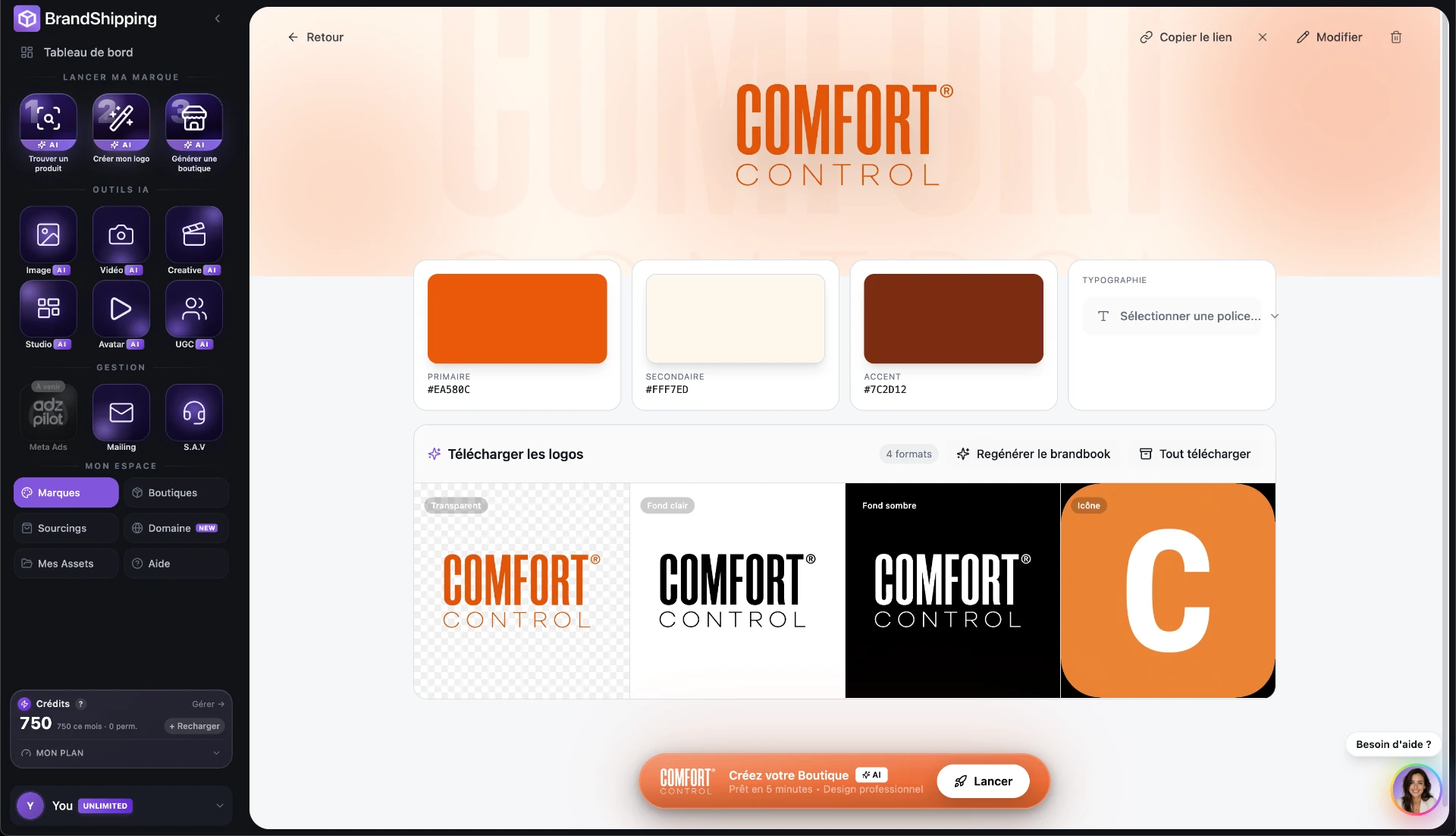
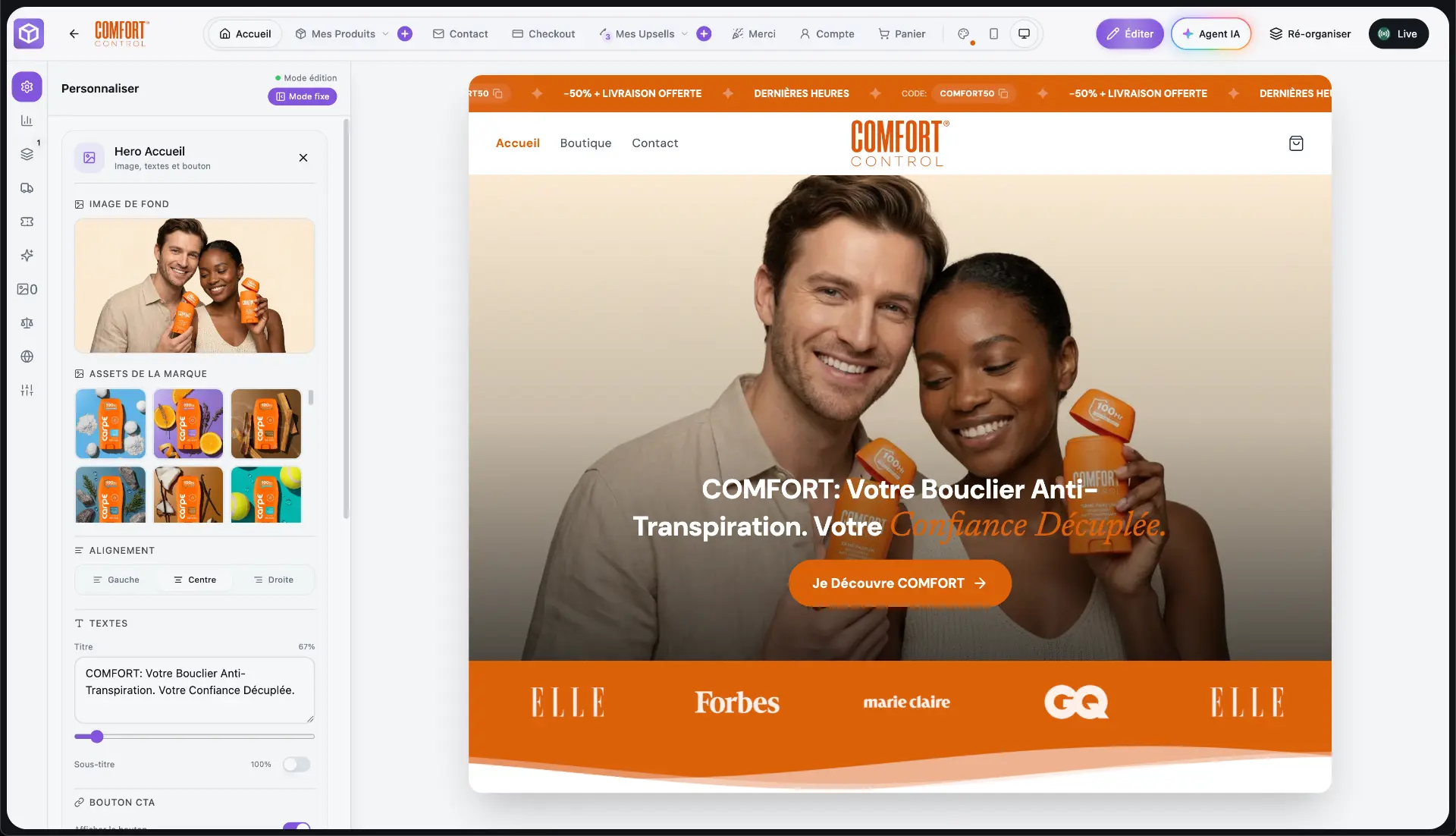
BrandShipping’s documented strength is shared context: the platform reuses your brand, products and assets across connected functions instead of requiring separate setup in every tool. Its hybrid model combines a real brand in your name, AI automation for your store, creatives and advertising, and logistics delegated to a partner warehouse without holding inventory yourself. Meta advertising runs through Whop Ads connected by you. This supports an integrated workflow, but does not establish dedicated placement-review controls. See the English homepage at /en.
- Confirmed positioning: interconnected ecommerce, creative and advertising functions.
- Meta connection: user-connected Whop Ads, not advertising accounts supplied by BrandShipping.
- Requires verification: placement previews, manual crop controls, approval gates and revision history.
Use one product to test the complete review process
Give each vendor the same approved product image, product description and offer. Ask them to produce versions for Meta Feed, Stories and Reels, then have your team identify a crop issue, change a headline and correct a product detail. Follow those changes through review and export or publication. This exposes the difference between a generation demo and a usable production workflow. Choose the setup that preserves product accuracy and gives reviewers the necessary control, even if that requires a separate creative tool.
- Can reviewers inspect every placement before publication?
- Can they correct framing and text without regenerating the entire ad?
- Can they preserve approved product imagery while changing the layout?
- Can they confirm that only the approved output moves forward?
Before you go further
Frequently asked questions

Build a brand, not a disposable store.
BrandShipping brings your store, checkout, payments, subscriptions, AI creatives, Meta Ads and fulfillment into one connected ecosystem.