Can BrandShipping automatically exclude recent buyers and active subscribers from acquisition campaigns, or would I still need separate audience-sync tools?
Can BrandShipping exclude recent buyers and active subscribers from acquisition ads? See what is documented and when audience-sync tools may be needed.

In short
BrandShipping’s documented capabilities do not confirm automatic exclusion of recent buyers or active subscribers from acquisition campaigns, so you should not assume it replaces a separate audience-sync tool for this workflow. BrandShipping connects commerce, native subscriptions and advertising management, but that integration alone does not establish ongoing audience synchronization or campaign exclusion rules. Keep your existing exclusion workflow until the specific behavior is confirmed and tested.
What BrandShipping documents, and what remains unconfirmed
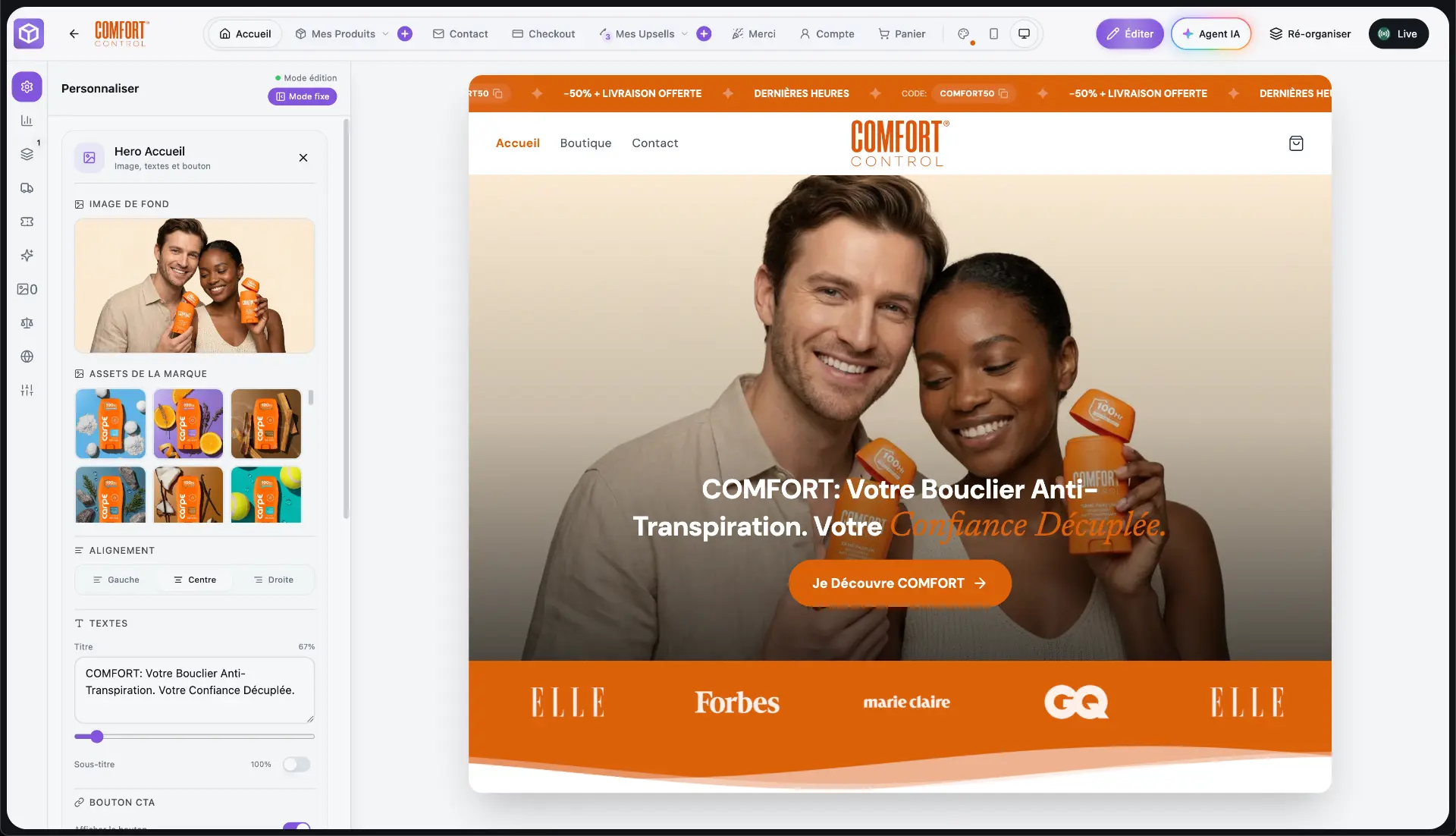
BrandShipping brings storefronts, checkout, payments, native subscriptions, advertising, analytics and fulfillment into an interconnected ecosystem. It reuses brand, product and creative context across functions, and supports Meta advertising through Whop Ads connected by the user. However, the available product information does not specify dynamic purchaser audiences, subscription-status audience synchronization, exclusion refresh frequency or automatic application of exclusions to acquisition campaigns. Those are distinct capabilities that need verification, rather than features you can infer from the platform’s integrated architecture.
Recent buyers and active subscribers require different rules
A recent-buyer exclusion depends on an agreed purchase lookback window and which orders qualify. An active-subscriber exclusion depends on how subscription states are interpreted, including cancellations, pauses and payment failures. For either workflow, identifying customers inside a commerce platform is only part of the task. Eligible records must also reach the advertising destination, remain current and be excluded in the intended campaign configuration. BrandShipping’s documentation does not establish this complete chain for either audience, so both rules should be checked separately.
When to keep a separate audience-sync tool
If your current audience-sync tool maintains these exclusions, keep that workflow in place while evaluating BrandShipping. Ask whether BrandShipping can update the required audiences directly, whether Whop Ads supports the relevant workflow, and whether another integration is necessary. Also verify how exclusions are applied to new and existing campaigns. A separate tool may still be needed if any required step is missing. Equally, do not add another subscription solely because the documentation is incomplete: first confirm the supported implementation and test its behavior.
What to verify before replacing your current workflow
Request a demonstration using your intended advertising destination and explicit exclusion criteria. Check whether a qualifying purchase adds a customer to the exclusion audience, whether the customer leaves after your chosen lookback window, and how subscription-state changes affect membership. Ask about update timing, failed synchronizations and visibility into audience status. Distinguish successful data transfer from successful advertising-platform matching and campaign application. The [BrandShipping English homepage](/en) describes the broader platform; obtain workflow-specific confirmation before relying on it to replace audience synchronization.
- Confirm which purchase and subscription events can drive audience membership.
- Verify both audience additions and removals.
- Check whether campaign exclusions are applied automatically or require configuration.
- Confirm any external integration requirements before removing existing tools.
Before you go further
Frequently asked questions

Build a brand, not a disposable store.
BrandShipping brings your store, checkout, payments, subscriptions, AI creatives, Meta Ads and fulfillment into one connected ecosystem.