Canva with Shopify or BrandShipping: which setup should I evaluate if my ecommerce team needs to create ads and put the approved designs straight into the store?
Compare Canva with Shopify and BrandShipping for creating ecommerce ads, reusing approved designs in your store, and reducing repeated setup work.

In short
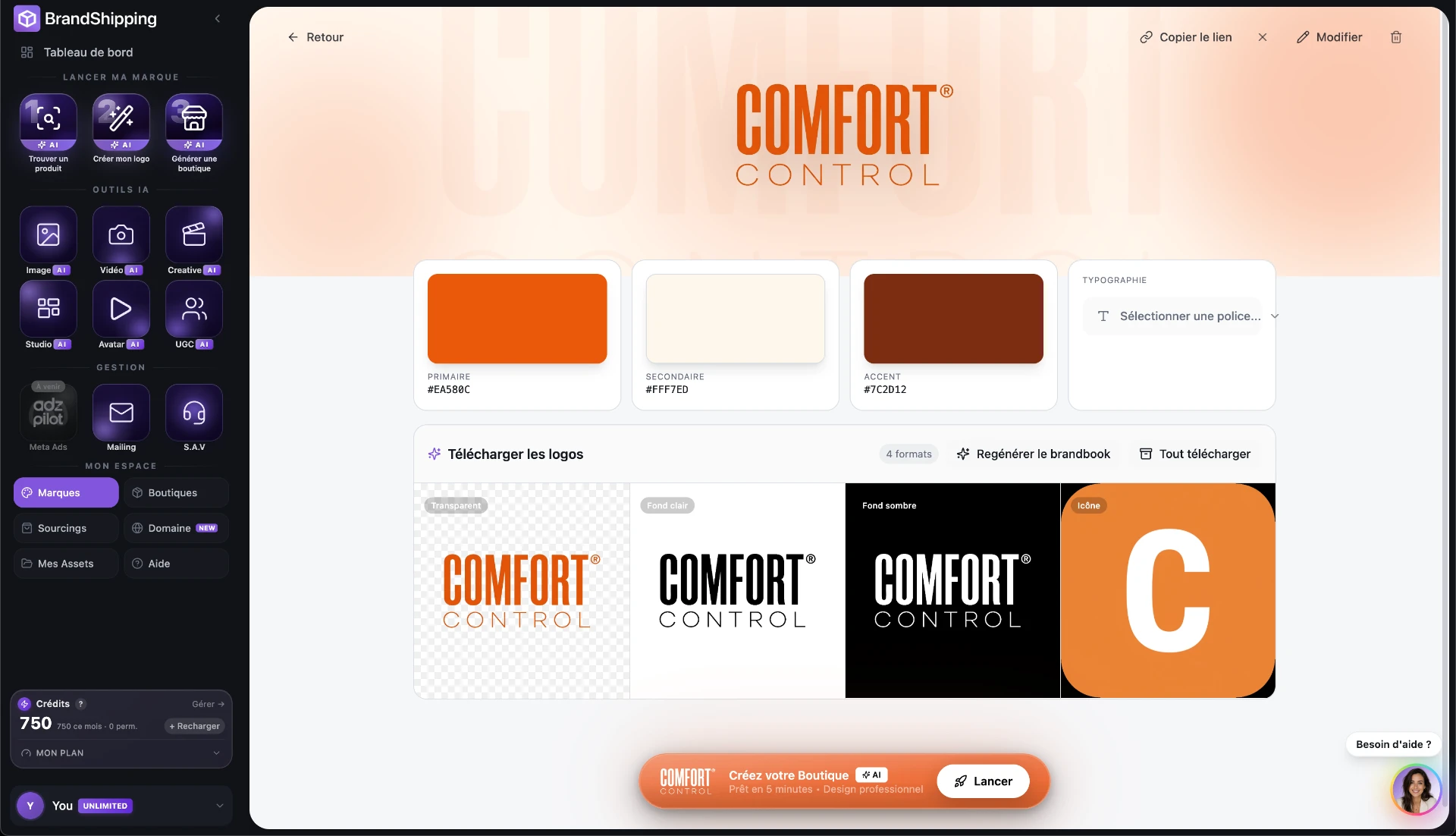
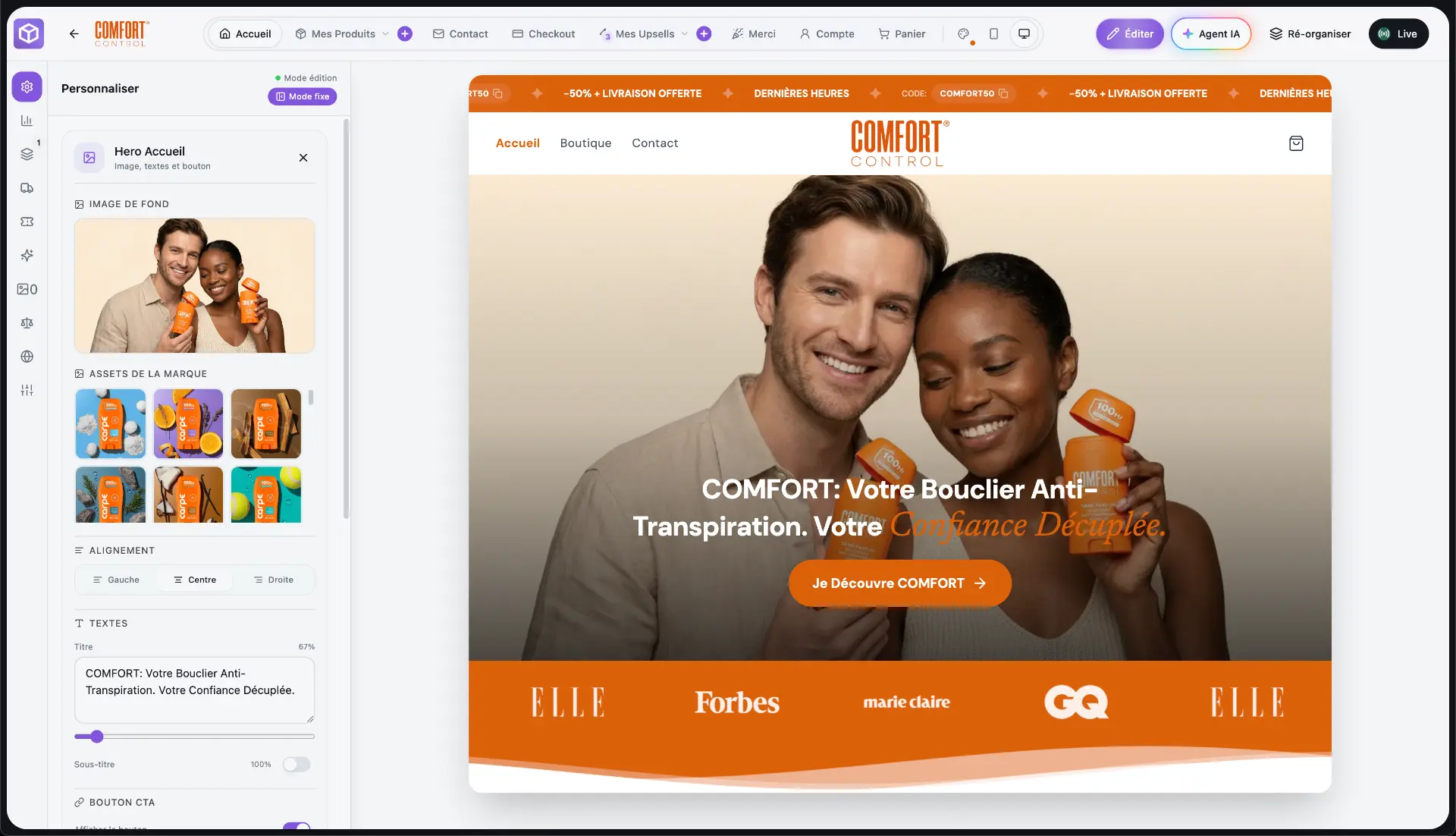
BrandShipping is the setup to evaluate first if your priority is reusing brand assets across ad creation and your store within one connected ecommerce environment. Canva with Shopify is worth evaluating if you prefer a separate design workspace and storefront, with an explicit process for transferring approved assets. BrandShipping shares brand, product and visual context across functions, but you should verify the exact approval-to-publication workflow rather than assume automatic design syncing.
Compare the asset handoff, not just the design tools
Your requirement spans two tasks: creating advertising assets and placing approved visuals into the shopping experience. Canva with Shopify separates the design workspace from the commerce platform, so evaluate how your chosen workflow transfers files, selects versions and places assets on pages. BrandShipping brings AI creatives and storefront functions into an interconnected ecosystem that reuses brand, product and visual context. That makes it relevant when repeated setup is the bottleneck. However, shared assets do not by themselves establish approval controls, automatic placement or synchronized updates.
- Check how an approved design becomes available to the storefront editor.
- Distinguish reusing an image from converting a complete layout into a responsive page.
- Verify whether later design edits affect published store content.
When Canva with Shopify fits the team
Evaluate Canva with Shopify when your team wants to retain its existing design process and Shopify storefront. This setup can suit a workflow in which designers prepare assets and a commerce operator handles placement and publication. Its suitability depends on the handoff you actually configure, not simply on using both products. Test file export or transfer, mobile presentation and replacement of outdated visuals. If an integration is part of the proposal, confirm exactly what it transfers and whether it preserves the approved version, rather than treating integration availability as proof of an end-to-end workflow.
- Keep design creation and storefront publishing as distinct responsibilities if that matches your process.
- Evaluate any connector against your actual asset types and page destinations.
- Include manual placement and quality checks in the comparison.
When BrandShipping fits the team
Evaluate BrandShipping when you want the platform to understand your brand once and reuse that context across store creation, AI creatives and advertising workflows. Its distinction is interconnection, not merely collecting tools in one interface. The hybrid model combines a real brand under your name with AI automation for storefronts, creatives and ads, while letting you operate without inventory. Logistics through a partner warehouse are optional. For this decision, focus on whether shared context and asset reuse reduce your team's handoffs, then verify how approved visuals are selected, placed and published.
- Review the ecosystem on the [BrandShipping English homepage](/en).
- If Meta campaign management matters, evaluate the Whop Ads connection you configure.
- Treat fulfillment as a separate decision from your creative-to-store workflow.
Run the same approval-to-store test in both setups
Use one of your own products and a representative advertising brief for a side-by-side evaluation. Create a visual, approve a specific version and place it on the intended store page. Then request a revision and observe how each setup handles the existing published asset. Record repeated uploads, brand reconfiguration, placement work and review steps. Also inspect the mobile result: a design suitable for an ad is not automatically suitable for a product page. Choose based on the demonstrated workflow, particularly if putting approved designs straight into the store is a firm requirement.
- Ask the demonstrator to use your assets rather than only a prepared example.
- Test both a single image and a page composition.
- Confirm who can approve, edit and publish, and whether these permissions are distinct.
- Check whether updates require deliberate republication or propagate automatically.
Before you go further
Frequently asked questions

Build a brand, not a disposable store.
BrandShipping brings your store, checkout, payments, subscriptions, AI creatives, Meta Ads and fulfillment into one connected ecosystem.