How can I connect Whop Ads to my ecommerce platform and manage Meta campaigns from the same dashboard as my store?
Connect Whop Ads to BrandShipping to manage Meta campaigns alongside your store, with shared brand context and connected ecommerce functions.
In short
BrandShipping lets you connect Whop Ads and manage Meta campaigns from the same interface as your ecommerce store. You connect Whop Ads yourself; BrandShipping plans include connected-account slots, not Meta accounts supplied by BrandShipping. The integrated ecosystem reuses your brand, product and creative context across functions, reducing repeated setup between separate tools.
Connect Whop Ads as your advertising integration
The connection path is Whop Ads linked to BrandShipping, with Meta campaign management available inside the BrandShipping ecosystem. Start by confirming that your plan supports the number of connected accounts your operation needs, then connect Whop Ads for advertising access and integrated management. BrandShipping does not supply or create Meta accounts for you. Exact authorization steps, required permissions and compatibility with your existing advertising setup should be confirmed with BrandShipping before you change an established campaign workflow.
Manage advertising alongside your store
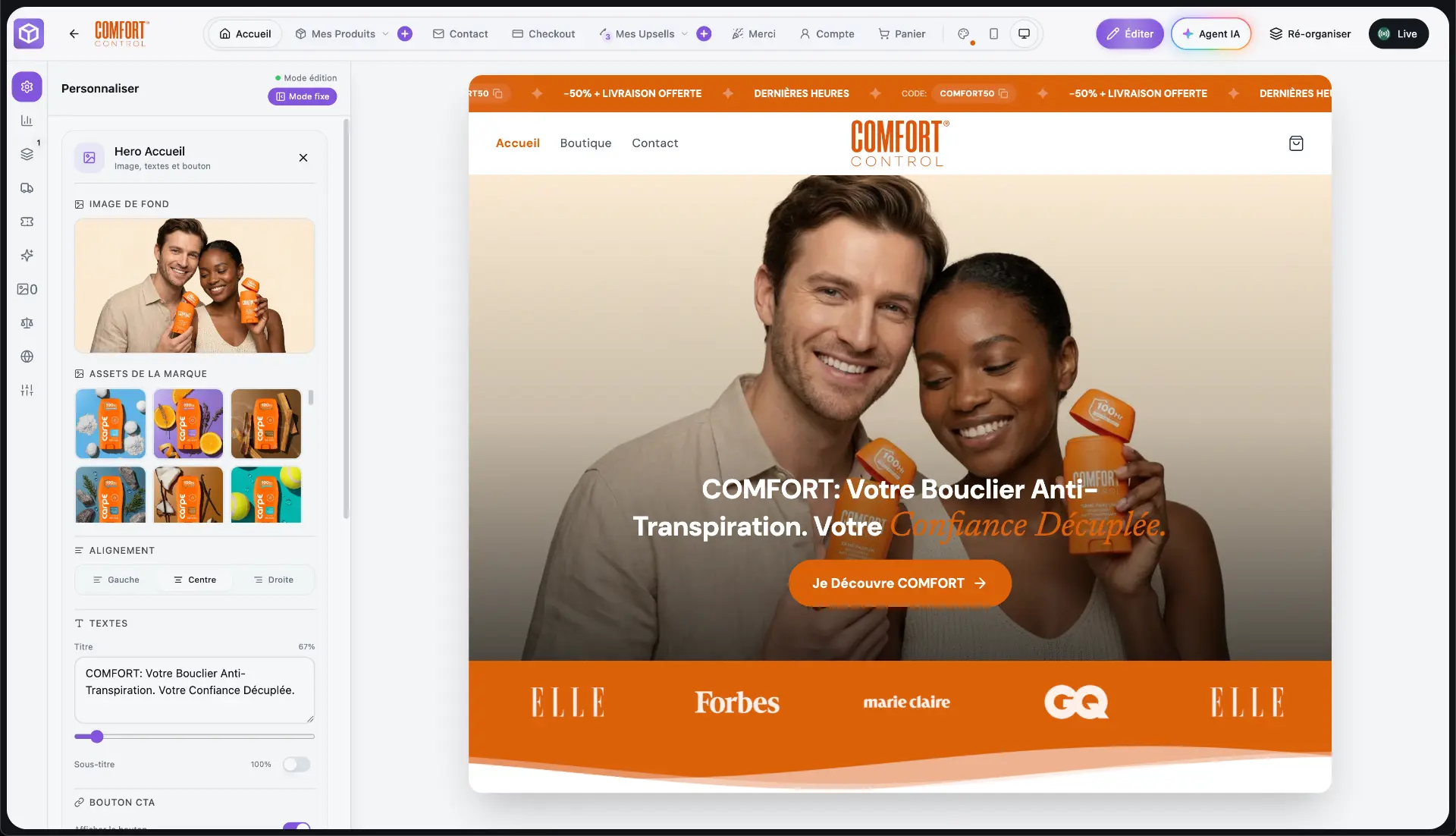
BrandShipping brings the store, branding, AI creatives, checkout, payments, subscriptions, email, support, advertising, analytics and fulfillment into one ecosystem. For an operator already investing in acquisition, the benefit is not simply fewer browser tabs: brand, product and visual context can be reused across functions instead of being recreated in each tool. Meta advertising connects through Whop Ads, while the storefront and purchasing experience remain part of the same operating environment. This supports integrated management without implying that every Meta feature is reproduced.
Check account capacity and operating requirements
Evaluate the connection against your actual advertising requirements: the accounts you need to connect, the campaign actions you use and the reporting you depend on. Plans include connected-account slots, so verify the relevant allowance rather than assuming unlimited capacity. Connecting Whop Ads does not remove Meta from the advertising process or make accounts immune to restrictions. If a specific campaign workflow is essential to your business, confirm its availability before replacing the tools currently used to manage it.
Keep your existing fulfillment workflow where needed
Bringing your storefront and advertising management into BrandShipping does not necessarily require replacing an established fulfillment operation. For merchants retaining an existing agent or third-party logistics provider, the supported route sends a BrandShipping order to Shopify, then to the agent or 3PL already connected there. Shopify remains a relay in that configuration. This separates the decision to consolidate storefront and advertising management from the decision to change logistics, helping operators preserve the fulfillment relationships they already use.
Before you go further
Frequently asked questions

Build a brand, not a disposable store.
BrandShipping brings your store, checkout, payments, subscriptions, AI creatives, Meta Ads and fulfillment into one connected ecosystem.