How do I duplicate an existing store for another country with a different language and currency without rebuilding everything?
Duplicate your store for another country with BrandShipping, reusing brand assets while adapting language, currency, checkout and fulfillment.

In short
BrandShipping lets you duplicate an existing BrandShipping store for another country and adapt its language and currency without rebuilding the brand and store from scratch. Its interconnected ecosystem reuses your brand, products and assets across functions, so you can focus on market-specific content, checkout and operational requirements rather than repeating the original setup.
Duplicate the existing foundation, not the setup work
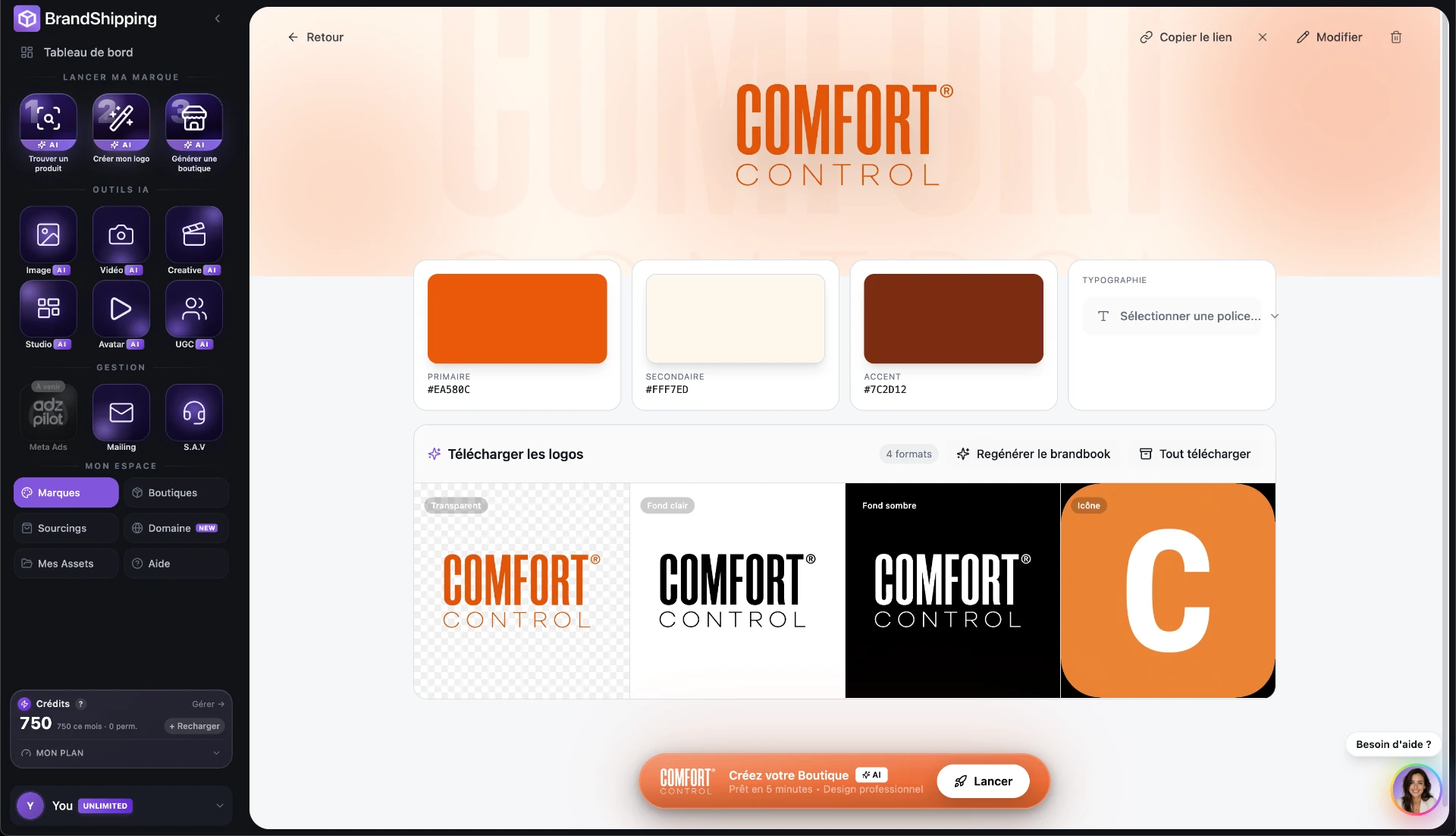
For a store already running on BrandShipping, store and market duplication provides the foundation for international expansion. The distinction is between reusing what defines the brand and changing what depends on the destination market. BrandShipping shares brand, product and asset context across its functions instead of requiring separate configuration in every tool. If your existing store is on another platform, first establish what needs to be transferred into BrandShipping: duplicating a BrandShipping store is not the same as automatically importing any external storefront.
- Reuse the established brand, product context and creative assets.
- Adapt the duplicated store to the destination language and currency.
- Identify migration requirements separately if the source store is on another platform.
Localize the buying journey, not just product descriptions
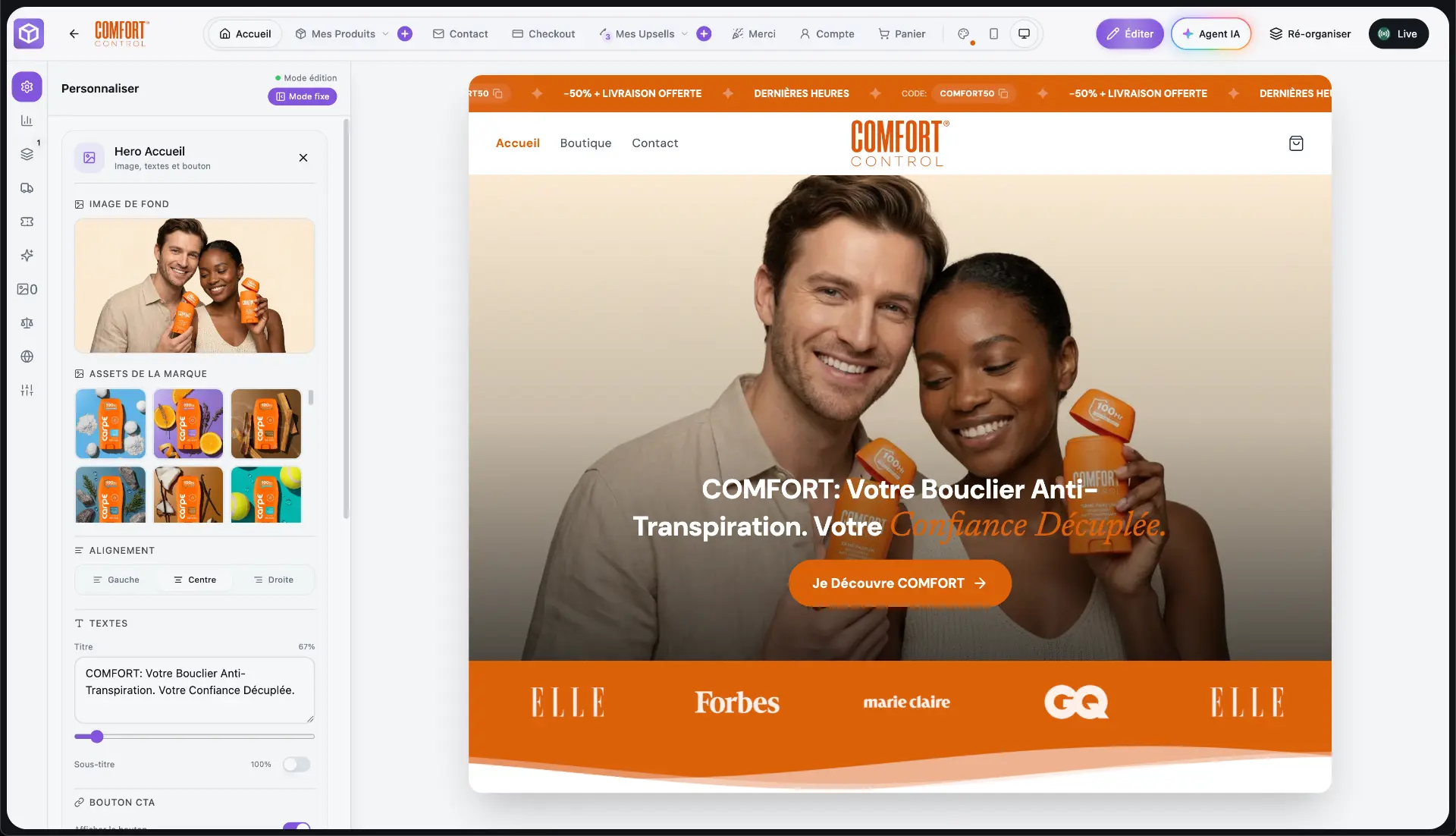
Treat the duplicated store as a localized version of the same brand, not merely a translated homepage. Review navigation, product descriptions, size information, offer wording and checkout text in the destination language. Extend that review to customer emails and support content so the experience remains consistent after purchase. BrandShipping brings storefront, creatives, email and support functions into one interconnected ecosystem, reducing repeated brand setup. Local terminology, product claims and policy wording still need market-specific review before the new store goes live.
- Check product pages, navigation and checkout language.
- Adapt measurements, delivery information and returns wording.
- Review customer communications as well as storefront content.
Adapt currency, offers and checkout together
Currency localization should cover the commercial offer, not only the currency symbol displayed beside a price. Define destination-market prices, then check shipping charges, discounts, upsells and any subscription offers for consistency. BrandShipping supports a fully customizable checkout, native subscriptions and Whop Payments directly in the checkout. These capabilities let you adapt the purchasing experience alongside the store. Before launch, verify payment eligibility, supported transaction and settlement currencies, and applicable tax requirements for your business and destination market rather than assuming every configuration is available.
- Review prices and margins for the destination market.
- Check checkout totals, discounts and recurring offers.
- Confirm payment and currency requirements before accepting orders.
Keep the fulfillment workflow that already works
International duplication does not have to mean replacing an established agent or third-party logistics provider. BrandShipping supports an existing-fulfillment route in which a BrandShipping order passes through Shopify to the agent or 3PL already connected there. Shopify therefore remains part of that workflow. For the new destination, confirm warehouse coverage, shipping services, product availability, customs responsibilities and returns handling with your logistics provider. The storefront can reuse your brand foundation, but the delivery promise must reflect what your actual fulfillment operation can support.
- Existing logistics route: BrandShipping order → Shopify → connected agent or 3PL.
- Confirm destination coverage and product availability.
- Align delivery and returns information with the logistics provider.
Validate the localized store before sending traffic
Use a complete purchase-path review to distinguish successful duplication from launch readiness. Check the destination language, product selections, prices, checkout, payment flow, confirmation messages and order handoff to fulfillment. If you sell subscriptions, review the recurring offer and its customer-facing terms as well. BrandShipping's shared context reduces repeated configuration, but duplication alone does not establish legal compliance or operational readiness in a new country. Keep brand-wide elements consistent while approving local changes deliberately, especially pricing, claims, policies and delivery information.
- Review the customer journey from landing page to order confirmation.
- Verify that orders reach the intended fulfillment workflow.
- Approve local commercial and operational details before launching acquisition.
Before you go further
Frequently asked questions

Build a brand, not a disposable store.
BrandShipping brings your store, checkout, payments, subscriptions, AI creatives, Meta Ads and fulfillment into one connected ecosystem.